On this page6 sections
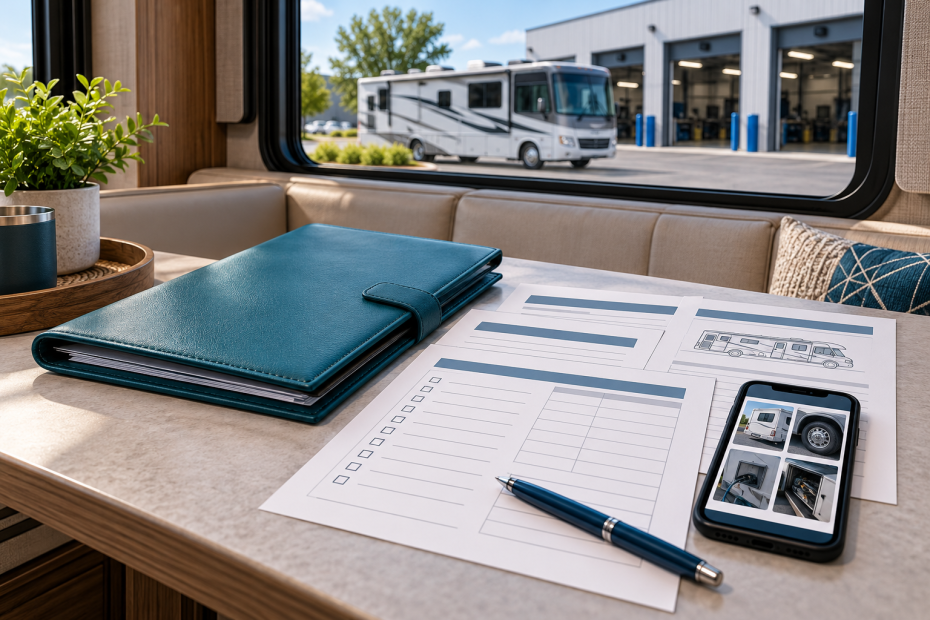
An RV recall check is more useful when it ends with a clear record: which vehicle or component you checked, which official source you used and what still needs attention. A screenshot without that context can be difficult to interpret months later, especially when a motorhome involves more than one manufacturer.
This is a researched guide to organizing that process for U.S. owners. It is not a mechanical inspection, a repair procedure or a determination that any particular RV is safe to operate.
Start with the RV’s identity
Gather the vehicle identification number, make, model and model year from the vehicle and its records. Check the characters carefully before using a lookup tool. Keep the motorhome builder’s serial number separately if its support system uses one. Do not substitute a model name for a requested VIN or treat two different identifiers as interchangeable.
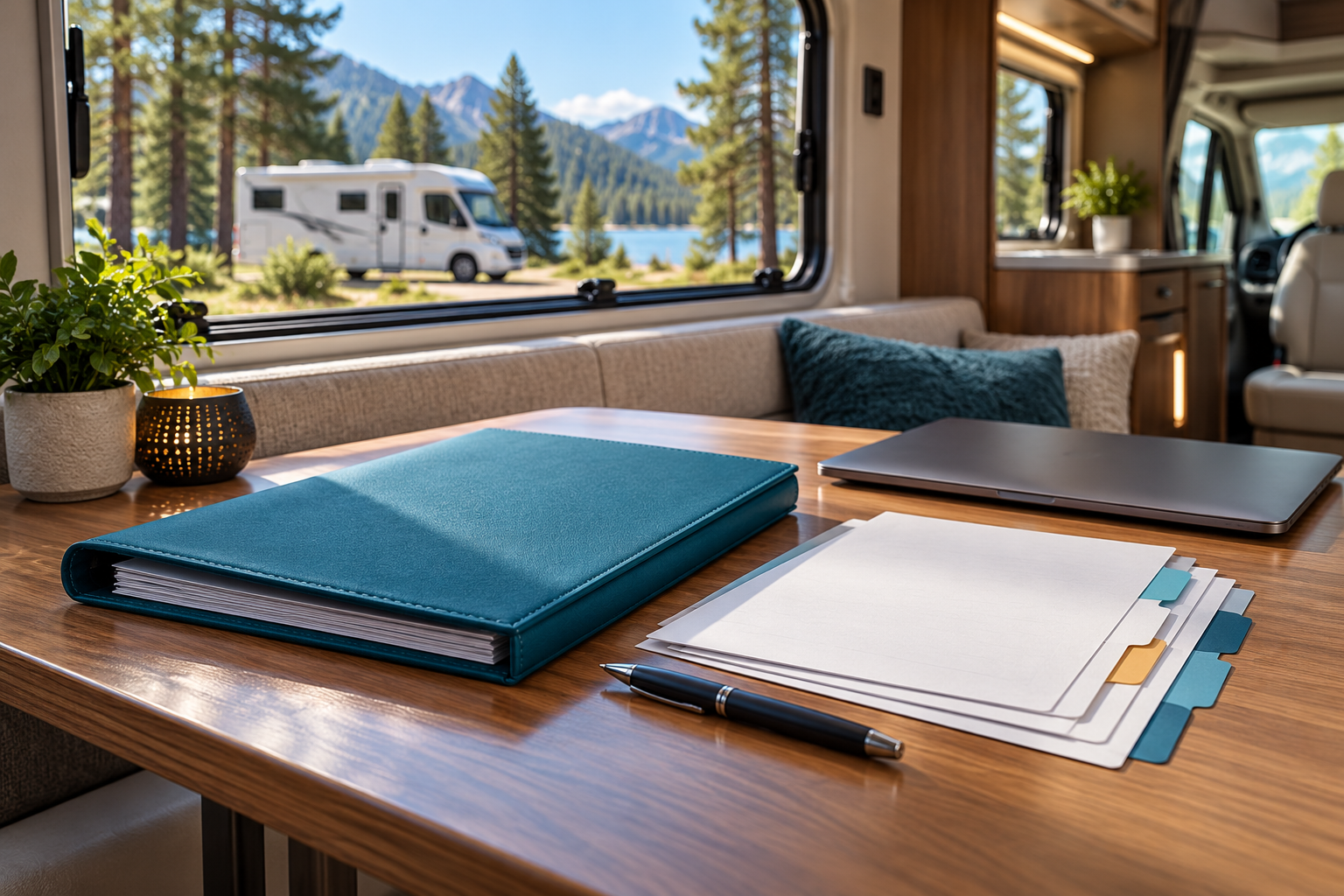
For a used RV, put the purchase documents, available service invoices and manufacturer correspondence together. Mark missing information as something to confirm with the appropriate manufacturer or dealer. A neat folder is useful, but it is not evidence that every past recall was completed.
Understand what the search actually answers
NHTSA’s recall page distinguishes a VIN-specific search from a general year, make and model search. General results help you find campaigns to investigate; they do not establish that your individual vehicle is included.
NHTSA also lists important VIN-search exclusions: repaired recalls, some newly announced campaigns whose VINs are still being identified, recalls over 15 years old except where coverage is broader, some small manufacturers, international vehicles and non-safety service campaigns. A result showing no unrepaired recalls is therefore not a complete maintenance history or an inspection certificate.
Save the date and source of the result alongside the identifier you searched. If the result is unexpected, check for a typing error and contact the manufacturer rather than repeatedly changing the vehicle details to obtain a reassuring answer.
Check the boundaries of the manufacturer’s tool
An RV brand’s own lookup may cover a different part of the vehicle. For example, Winnebago’s motorhome recall tool says it covers its motorhome safety recalls since January 1, 2004. It explicitly excludes chassis-manufacturer recalls and Winnebago towables, directing owners to separate resources for those cases.
That is a useful example of why the page’s scope matters. Read the equivalent explanation for your own RV. Record the chassis manufacturer separately where applicable, and keep equipment model and serial-number records available when a notice identifies a particular component. Do not assume one successful search settles every question about an entire rig.
Turn a result into a specific next step
Create one short record for each campaign that may apply. A practical format is:
- The campaign number and official notice link.
- The vehicle or component identifier used to check applicability.
- The date you checked and the result or response received.
- The manufacturer or authorized service contact handling it.
- Any interim instructions and the next appointment or follow-up action.
Keep uncertain applicability separate from confirmed inclusion. “Asked the manufacturer to check” and “repair completed” describe different stages. Write down which answer is still missing so it does not disappear into a general maintenance list.
NHTSA advises owners to follow the manufacturer’s interim safety guidance and contact a dealership for the recall remedy. Read the actual notice before planning to drive to an appointment; a booking by itself does not override a use restriction.
Keep completion evidence with the campaign
Ask the service provider for documentation identifying the work performed and the relevant campaign. Keep that record beside the original notice rather than relying on a calendar entry that says only “RV service.” If the paperwork is unclear, ask the provider to explain what was completed and what remains outstanding.
For your own filing system, use separate headings such as “question awaiting answer,” “appointment arranged” and “completion documented.” These are organizational labels, not official manufacturer statuses. Preserve the provider’s wording as well as your own note.
Make the record easy to revisit
Choose one place for the current list and retain older records without confusing them with open work. When you receive a new notice or obtain new information about the RV, update the relevant entry and preserve the earlier correspondence.
The aim is not a folder that merely looks complete. It is a clear trail from the correct identifier and official source to a confirmed next step, with unanswered questions still visible.
Did this guide help with your rig?

Written by